For attorneys, legal assistants, paralegals, and law students, understanding document automation is quickly becoming a baseline market skill—because it touches productivity, profitability, and professional responsibility.
What is legal document automation?
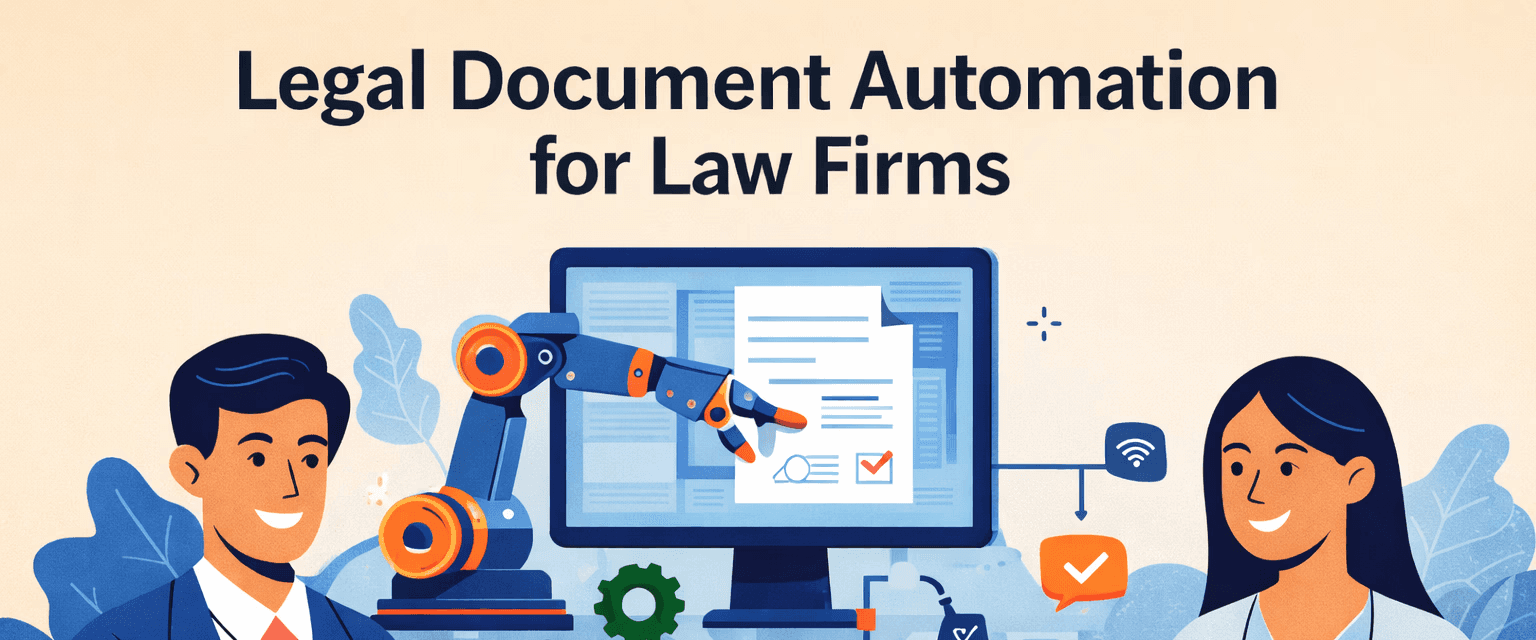
Legal document automation is the use of software to generate legal documents automatically from templates by inserting case/client information (variables) into pre-built clauses and formatting. It typically includes:
Template-building (Word/PDF templates, clause libraries, conditional logic)
Data collection (client intake, questionnaires, matter fields)
Document assembly (auto-fill, conditional clauses, standardized formatting)
Output + workflow (PDF/Word output, e-signature routing, filing/storage)
Why it matters now
Document automation isn’t just about speed. It impacts:
Quality control: fewer missed clauses, wrong names, outdated formatting
Consistency: firm-wide drafting standards and brand voice
Capacity: produce more work without adding headcount
Client experience: faster turnaround + clearer, more predictable processes
Risk management: better version control and audit trails
This demo video shows how Family Law AI Software can automate client intake, organize case data, and deliver real-time insights—helping attorneys save dozens of hours each month.
Two major approaches in the market
1) Standalone document automation tools
These tools focus on generating documents through template interviews (questionnaires). They can be powerful—but often create friction if they don’t connect cleanly to your case management, intake, or document storage.
Common downsides:
Duplicate data entry (your client data lives in one place, template data in another)
Harder matter-level organization (tagging, linking, audit trails)
More setup/maintenance overhead
This “silo” problem is a recurring theme in document automation discussions. Legal Solutions+1
2) Practice management or workflow platforms with built-in automation
These systems work best when they connect directly to:
client/matter data
intake
document storage
collaboration
billing/time capture
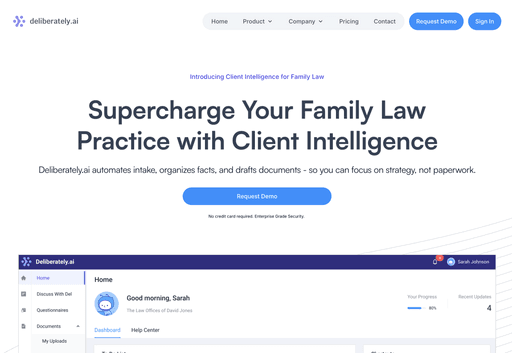
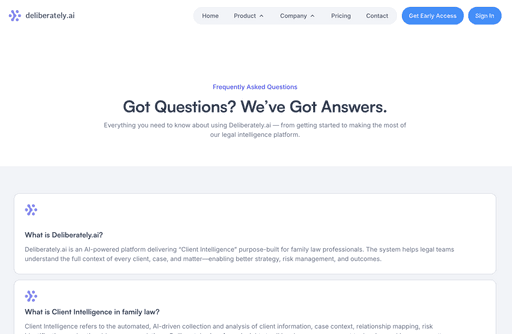
Deliberately.ai is a purpose-built example in this category—designed specifically for Family Law firms that need more than basic document templates. Rather than focusing solely on form automation.
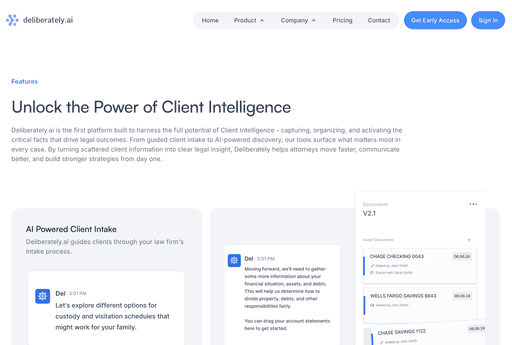
The Client Intelligence connects structured client intake, document organization, and AI-driven insights into a single workflow. By automatically collecting, verifying, and organizing client information, Deliberately.ai enables law firms to generate Family Law documents—such as financial disclosures, declarations, and support-related forms—using real, matter-specific data, reducing manual entry and follow-ups while improving accuracy and consistency across cases.
What lawyers, paralegals, and legal assistants should know
For lawyers
Document automation changes how you lead a matter:
You delegate drafting steps while keeping legal judgment with attorneys
You build repeatable standards (approved clauses, fallback language, required disclosures)
You must implement review protocols (automation is not “set and forget”)
Also, your professional duties still apply when AI is involved. The ABA and legal reporting have repeatedly emphasized that attorneys must remain accountable for accuracy, confidentiality, and competent use of AI tools. Reuters+1
For paralegals
Paralegals often become the “operators” of automation:
maintain templates and clause libraries
run document production workflows
build matter packets (pleadings, discovery sets, client letters)
manage versioning, exhibits, and filing readiness
This shifts paralegals away from repetitive formatting and toward substantive coordination and quality control.

The short answer is no — but the role is evolving fast. In this video, we explore how Deliberately.ai, the Client Intelligence Software built for Family Law Attorneys, helps legal teams become more efficient, accurate, and human-centered through AI.
For legal assistants
Legal assistants often own the intake and admin pipeline—automation makes that pipeline cleaner:
intake forms → structured data
reminders for missing documents
standardized engagement letters and client comms
consistent file naming and storage
Read: Legal Assistants vs. Paralegals: Future of Legal Support in the Age of AI
When intake is structured and connected to drafting, assistants can help produce “first-draft ready” work faster—without crossing into unauthorized practice of law.
Key features of strong legal document automation software
If you’re evaluating platforms, look for these fundamentals:
Fast document assembly (variables + templates that generate in seconds)
Conditional logic (if/then clauses, jurisdiction options, “include if needed” blocks)
Centralized matter data (single source of truth; avoids retyping)
Court forms support where relevant (updated libraries, jurisdiction compliance)
Document management essentials (search, tags, matter linking, versioning)
E-signature + tracking (send, receive, audit)
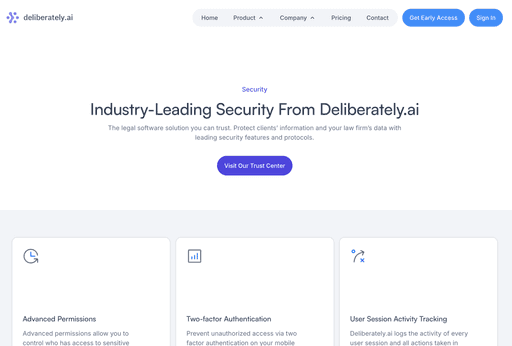
Permissions + audit trails (role-based access, logs)
Security posture (vendor due diligence, encryption, policies)
How AI Transforms Client Communication

Family Law spotlight: why automation hits harder here
Family law is document-heavy and deadline-sensitive:
financial disclosures
declarations
parenting plans
custody/support filings
ongoing client uploads (pay stubs, statements, proof of expenses)
That makes the ROI of intake + document automation unusually high: the same matter types repeat, the same documents repeat, and missing documents cause real delays.
Deliberately.ai: Family-law focused “Client Intelligence” + document automation
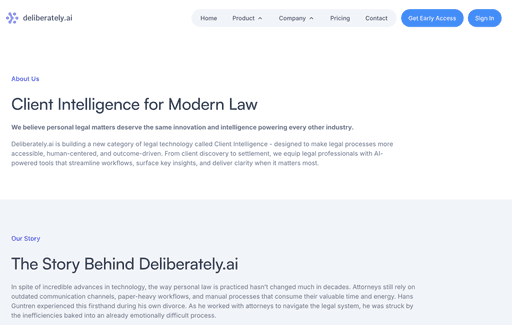
Deliberately.ai positions itself as a Family Law Client Intelligence platform—focused on automating intake, organizing facts, and drafting documents so firms spend less time on paperwork and more on case strategy. Deliberately+2Deliberately+2
Where Deliberately.ai fits in the automation stack:
Structured intake + requests that tell clients what to upload, when, and why Deliberately
Automatic organizing & tagging (including OCR and matter linking) Deliberately
Context-aware search across people, dates, issues, and exhibits Deliberately
Paralegal support workflows by automating repetitive tasks like drafting templates, intake, and document review (positioned as assistive—not replacing staff)
If your content goal is to help lawyers/students “understand the market,” Deliberately.ai is a strong example of vertical legal automation: not general document assembly, but purpose-built workflows for a specific practice area.